The problem
Viaggio Fotografico organises photography trips and workshops and publishes travel stories. The site had to sell trips with all their details, collect sign-ups correctly, answer visitors’ questions and move to a new server without losing anything.
What I built
I rebuilt the theme as a travel and photography magazine and added the tools the team needed to run it.
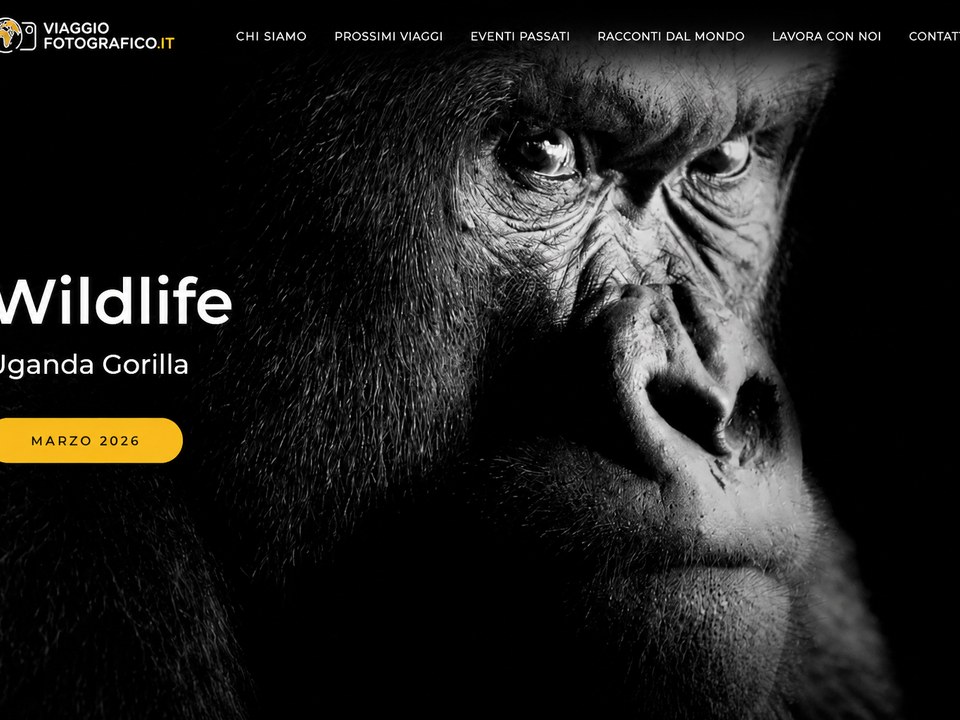
- Trips as products — each trip is a WooCommerce product with its own fields: desktop and mobile visuals, video, discount, participants, programme, tabs, gallery and panoramic image.
- Sign-up forms that fill themselves — a custom plugin pre-fills the booking form with the data of the trip being viewed, adds fields such as number of people and room share, and puts the same data in the emails. Fewer mistakes, less back and forth.
- Caronte, the AI assistant — a chat widget with a server-side OpenAI endpoint. Its instructions are split into sections the team edits in WordPress: rules, answer format, main pages, FAQ and the list of trips. It links only to pages of the site and does not invent prices or dates.
- Maps of trips and stories — Google Maps of the trips and of stories with GPS coordinates, with a view of Italy on mobile and of the world on desktop.
- Admin hub — one menu in the dashboard that links the main areas of the site.
- Backup and sync tools — one-click archives of database, theme and custom plugins for moving servers, and a chunked upload of a production database dump up to about 200 MB, beyond the server’s 50 MB upload limit.
Built with
WordPress, WooCommerce, a custom theme, Advanced Custom Fields Pro, Contact Form 7, two custom plugins, Redis cache, the OpenAI Responses API, Google Maps, deployment with git.
Why it was done this way
The AI chat calls OpenAI from the server, not from the browser, so the API key never reaches the visitor. Keeping the prompt in editable sections means the team can update FAQ and trips without asking a developer.